Air Traffic Control Simulator
Review
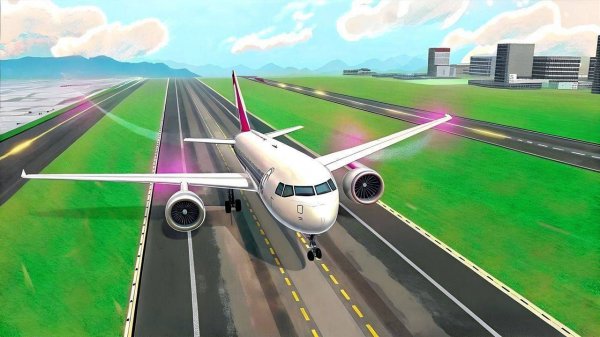
Air Traffic Control Simulator offers a rewarding puzzle experience without any violent content. The increasing traffic keeps you on your toes, and the colorful graphics make it inviting. Managing multiple planes and ground services feels satisfying. It is a great choice for families and strategy fans.
About This Game
Game Introduction
Air Traffic Control Simulator places you in the role of an airport traffic manager. Your core objective is to oversee all flight operations, ensuring that every aircraft lands and departs safely and on schedule. The game challenges you to coordinate multiple planes, manage ground services like refueling and maintenance, and solve logistical puzzles to prevent delays. With each level, traffic increases, requiring sharper focus and better planning. This immersive simulation offers a vibrant, non-violent environment suitable for all ages, letting you experience the responsibility of running a major transportation hub smoothly.
How to Play
Playing Air Traffic Control Simulator is simple to learn. You use your mouse or touchscreen to select planes on the radar screen. Guide incoming aircraft to the correct runway for a smooth landing. After landing, direct them to gates for passenger boarding, refueling, or repairs. For departing flights, ensure they are cleared for takeoff in the proper order. Monitor fuel levels and repair statuses to avoid emergencies. The game progresses through levels with more planes and complex schedules, testing your ability to prioritize and make quick decisions.
Game Features
Manage multiple aircraft at once. Guide safe landings and takeoffs. Handle refueling and repair tasks. Board passengers efficiently. Progress through increasingly challenging levels. Enjoy colorful and friendly graphics. Play a non-violent simulation suitable for all ages. The game focuses on strategy and puzzle-solving, offering a rewarding challenge for fans of the simulation genre.
Tips for Success
To succeed, practice regularly to improve your coordination and decision-making speed. Learn the mechanics of each aircraft type and ground service to anticipate needs. Prioritize tasks based on urgency, such as low fuel or delayed departures. Stay calm under pressure as traffic increases. Planning ahead and maintaining a clear mental picture of the airport layout will help you avoid bottlenecks and keep operations running smoothly.