
Reviews
Focus Shot Challenge stands out for its relaxed pace and clear feedback. Each shot feels deliberate, and the gradual difficulty increase keeps things interesting without causing frustration. The clean visuals and simple controls make it accessible, while the lack of punishment for mistakes encourages experimentation. It is a solid choice for anyone seeking a low-stress skill game that values precision over speed.
About this game
Core Gameplay Loop
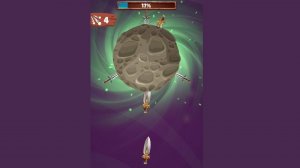
At its heart, Focus Shot Challenge is about lining up the perfect shot. Players see a series of targets that appear at varying distances and speeds. The goal is to release your projectile at just the right moment. There is no rush or timer pressure in most modes, allowing you to take your time and concentrate. Each successful hit rewards a sense of accomplishment, while a miss simply encourages another try. The loop is simple: aim, adjust, release, and repeat. This cycle makes it easy to pick up and play for a few minutes or settle into a longer session.
Visual Style and Atmosphere
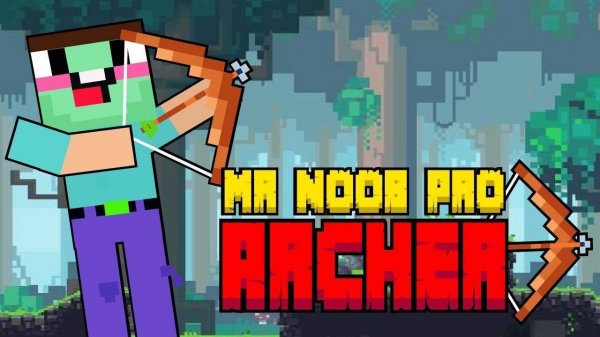
The game presents a clean, bright visual style. Backgrounds are simple and non-distracting, often featuring natural landscapes like open fields or gentle hills. Character and target designs are friendly and cartoonish, avoiding any intense or scary imagery. Color palettes are soft and warm, contributing to a relaxing mood. Sound effects are minimal but satisfying, with a soft thud or chime on a successful hit. The overall atmosphere is calm and focused, making it a good choice for unwinding after a busy day.
Progression and Challenge
As you advance, the game introduces new target behaviors. Some targets move in straight lines, while others may change speed or direction. Later rounds may include multiple targets at once, requiring you to prioritize which to hit first. The difficulty curve is gentle, giving you plenty of time to adapt. There are no lives or penalties for missing, so you can practice freely. This design encourages improvement through repetition rather than punishing mistakes. Each stage feels like a new puzzle in timing and placement.
Controls and Accessibility
Controls are designed to be intuitive for all ages. On a computer, you use the mouse to aim and click to release. On a touchscreen device, you tap and drag to adjust your aim, then lift your finger to fire. The interface is clean, with no cluttered menus or confusing buttons. Options for adjusting sensitivity or sound volume are available. The game also supports both portrait and landscape orientations on mobile devices. This simplicity ensures that players of any skill level can start playing immediately without reading lengthy instructions.





Comments
Sign in to leave a review
No account? Create one
No comments yet.